

UTunnel for SMBs: Built for GDPR Complia…
Wondering if UTunnel is GDPR compliant or how it fits into your comp…
 July 23, 2025
When someone connects to your business network, do you really know who they are or where they’re connecting from? For many organizations, that level of visibility is missing.
Remote access has become the norm, but relying on encrypted connections alone doesn’t address the bigger issue. Without clarity around user identity, device trust, and connection source, risks remain, no matter how secure the connection is.
Hence, it isn’t just about connecting users. It’s about having the visibility and control to decide who should connect, how, and under what conditions. This article explores what to monitor, how to control access, where VPNs fall short, and what businesses can do to improve remote visibility.
Knowing who is connecting to your network is the starting point of any remote access decision. But it’s not just about credentials. A username and password might confirm a login, but do they truly confirm the person behind it? Without added context like role, behavior, and verification layers, that trust can be easily misplaced.
This is where things often start to go wrong. A set of compromised credentials can look completely legitimate until something else tips you off, a login attempt at an odd hour, access to the wrong system, or behavior that doesn’t match the user’s role. That’s where remote access starts to become a risk.
But the risk doesn’t stop at identity. It extends to where the connection is coming from. What device is being used? Is it part of the company’s managed environment, or something personal and unknown? Where is that device located? Is it within the usual geography, or from an unexpected IP halfway across the world?
Without clear answers to these questions, remote access becomes a blind spot. Even if a verified user's credentials check out, they might still pose a threat on an untrusted device or from a flagged region.
Once inside, even limited access can lead to lateral movement, data exposure, or shadow logins that fly under the radar. Hence, understanding both who is connecting and where they’re connecting is the baseline for any remote security decision.
Now that you know why ‘who’ and ‘where’ matter in remote access, the first step is understanding what to monitor. Start by focusing on the core signals that reveal whether access is safe or a potential threat.
User identity isn’t just about entering a password. It includes verification mechanisms like SSO and MFA that add an extra layer of confidence. But identity also connects to the user's role. If someone’s job changes and their access doesn’t, that becomes a weak spot in the system.
A reliable access model considers both the user's identity and what they’re supposed to access. Otherwise, privileges can drift over time.
A verified user can still become a threat if the device they’re using is unknown or unsafe. That’s why it’s important to distinguish between managed and unmanaged devices.
Threats often come from personal laptops or outdated systems that are outside IT oversight. Visibility into the device helps determine whether it’s something the organization trusts or a blind spot.
Where someone connects from is often just as telling as who they are. A user who normally logs in from one country suddenly appearing in another could be a sign of stolen credentials.
Recognizing these changes helps surface unusual access patterns early. This is especially valuable for teams working across borders, where connections may look normal at first glance but deviate from the user’s norm.
Access patterns tell a story. A sudden spike in login attempts, activity at odd hours, or access from multiple regions in quick succession could all point to unauthorized use.
By observing behavior over time, organizations can build a baseline for what’s typical. Deviations from that baseline raise the right questions before incidents escalate.
Once visibility is in place, the next step is acting on it. That’s where access policies come in. They are a set of rules that define which users can connect, from which devices or locations, and under what conditions.
This translates visibility into action, deciding whether access should be granted, denied, or flagged. The following are some of the commonly applied policy types for managing remote access in business environments:
Device filtering lets you allow access only from devices that have been explicitly approved by an administrator. When a new device attempts to connect, it gets flagged for manual review. This stops unknown or personal devices from slipping through, reducing the risk of unauthorized or unmanaged endpoints gaining network access.
By restricting access based on operating system, organizations can prevent outdated or unsupported devices from connecting. For instance, blocking older versions of Windows or unpatched macOS systems reduces exposure to known vulnerabilities that attackers often exploit.
Access can be limited by IP address or network region. Many organizations allow traffic only from corporate IPs, static home IPs, or known cloud servers, while blocking access from unknown geographies or flagged regions. This adds a layer of location-based filtering that helps catch anomalous logins and high-risk behavior.
User access should reflect responsibility. By assigning rules at the group or role level, you can define who gets access to what resources and under what conditions. It keeps sensitive systems off-limits to those who don’t need them while simplifying access management for IT teams.
Remote access doesn’t always need to be 24/7. With time-based controls, businesses can restrict user login windows to specific hours or days, such as during business operations. This reduces risk during off-hours, when unexpected logins might otherwise go unnoticed.
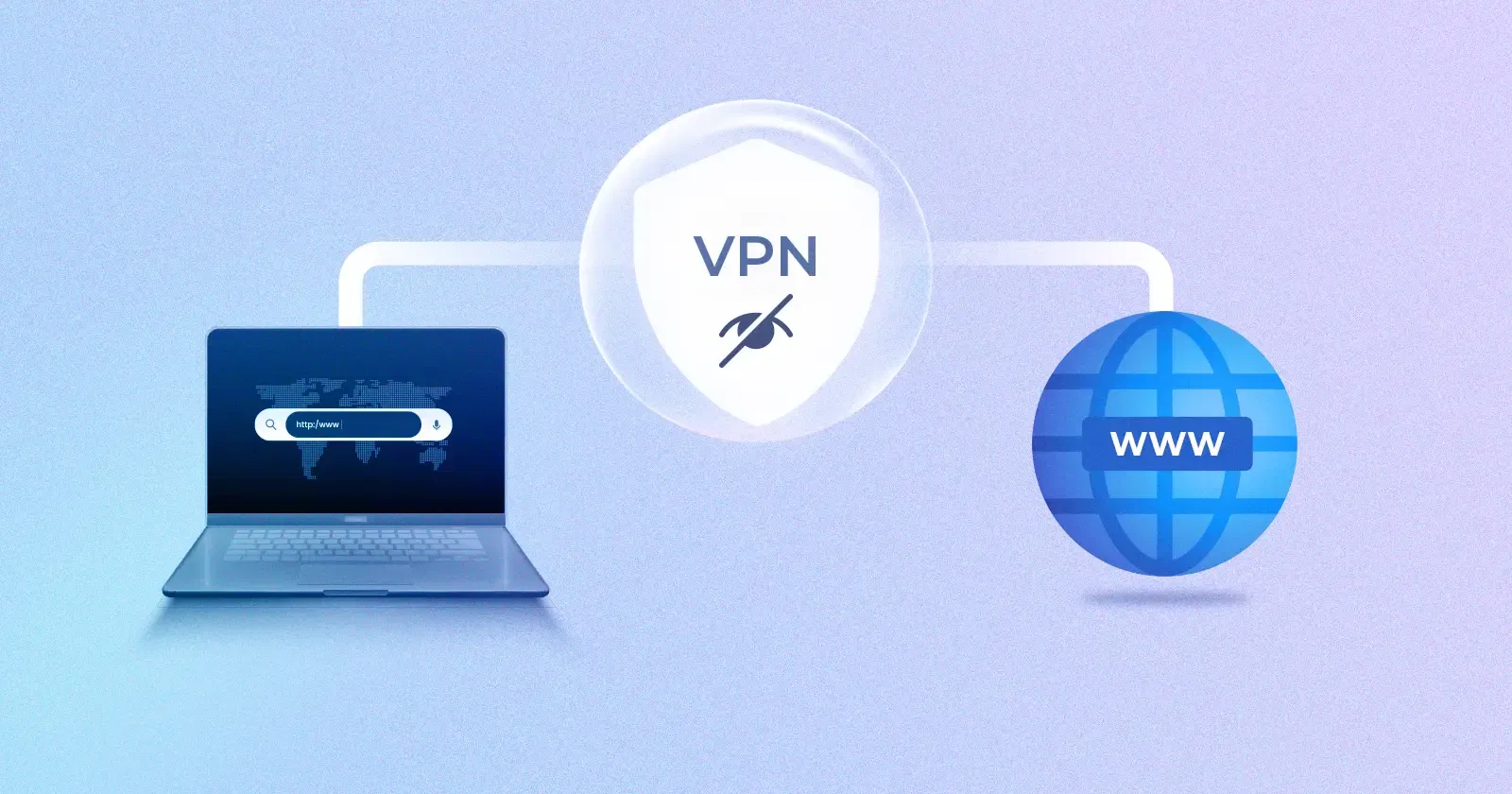
Many businesses rely on traditional VPNs to enable remote access, assuming they’re already covered on the security front. At a basic level, that’s true. A VPN (Virtual Private Network) establishes an encrypted tunnel between the user and the network, protecting data in transit from external interception.
But a traditional VPN doesn’t offer context. It grants access once the tunnel is established without evaluating who’s connecting, from where, or under what conditions. Here’s where most VPN setups fall short:
Newer models are gaining ground for a reason. The way businesses handle remote access today needs more than just encrypted tunnels and login credentials. Visibility and control have become core to keeping networks secure.
Start by reviewing your current setup. Who is connecting to your network? From where? On what device? More importantly, can your tools answer these questions clearly and let you act on them when needed?
Once you know the gaps, it becomes easier to act. Begin with what matters most. Control access by device type and location. Use user roles to define who gets what. Apply time-based restrictions where relevant. These steps form the baseline of a secure access model.
This is exactly why many organizations are adopting SASE, ZTNA, and other technologies. It is not about replacing everything at once. It is about shifting to a model where access is based on context and policy, not assumption.
UTunnel helps make that shift simple. Our platform offers both VPN and ZTNA, with identity-based access, device trust, OS and IP filtering, and role-based access policies. Contact us to take control of your remote access environment.
While a VPN creates a secure tunnel, ZTNA adds visibility and access control based on user identity, device, and context. It limits access to only the required resources rather than the entire network.
Not necessarily. Many businesses use both. The key is to layer identity and policy-based controls on top of existing access methods where possible.
Device trust, IP-based filtering, role-based access, and time-based controls have the highest impact. These policies directly reduce risk from stolen credentials, unmanaged devices, and unusual login behavior.
If you can’t quickly answer who accessed what, from where, and on which device, you likely have visibility gaps. Most VPN-only setups struggle with this level of detail.
Yes. Role-based policies let you define access per user group. Contractors can be restricted to specific systems, with limited hours and tighter device requirements.
Wondering if UTunnel is GDPR compliant or how it fits into your comp…
July 23, 2025
Thinking that cyberattacks are only aimed at big businesses? You’ve …
August 22, 2025
Are you still relying on standard setups to keep your IoT applicatio…
October 07, 2025
